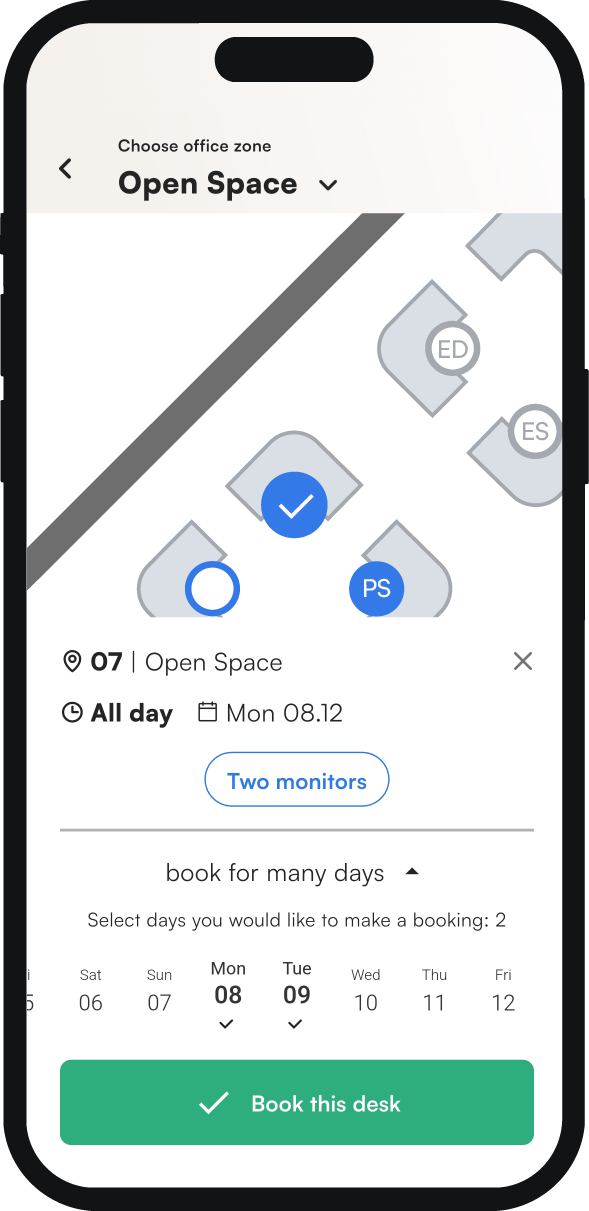
You don't have to book the same desk day by day. When you book from the map, you can book one desk for several days in a single step.
How to book a desk for several days
- On the map, click the desk you want to book.
- Under the map, above the Book this desk button, click Book for many days.
- Select the days on which you want to book this desk.
- Click Book these desks to confirm.