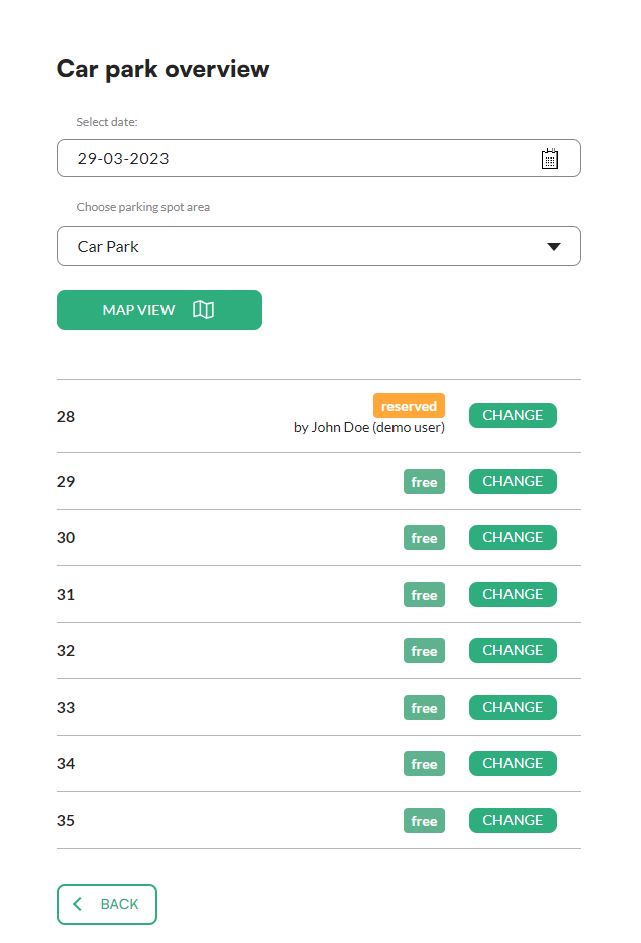
The car park overview shows all parking spots in a zone on a chosen date. From there you can also change a spot's booking.
Good to know: this is a task for administrators.
How to view the car park
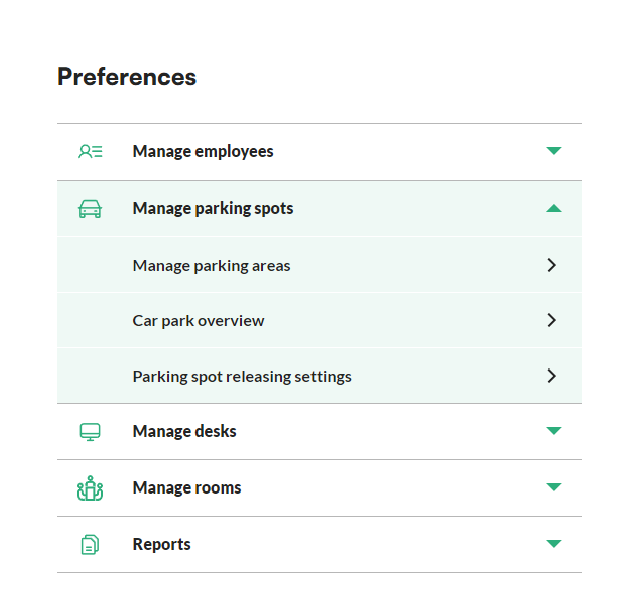
- In the menu, go to Preferences.
- Unfold Manage parking spots and click Car park overview.
- Choose the date and the zone you want to view. The app shows a list of all spots in the zone.
How to change a booking
- In the car park overview, click Change next to the spot.
- Choose what you want to do.
- Click Confirm.