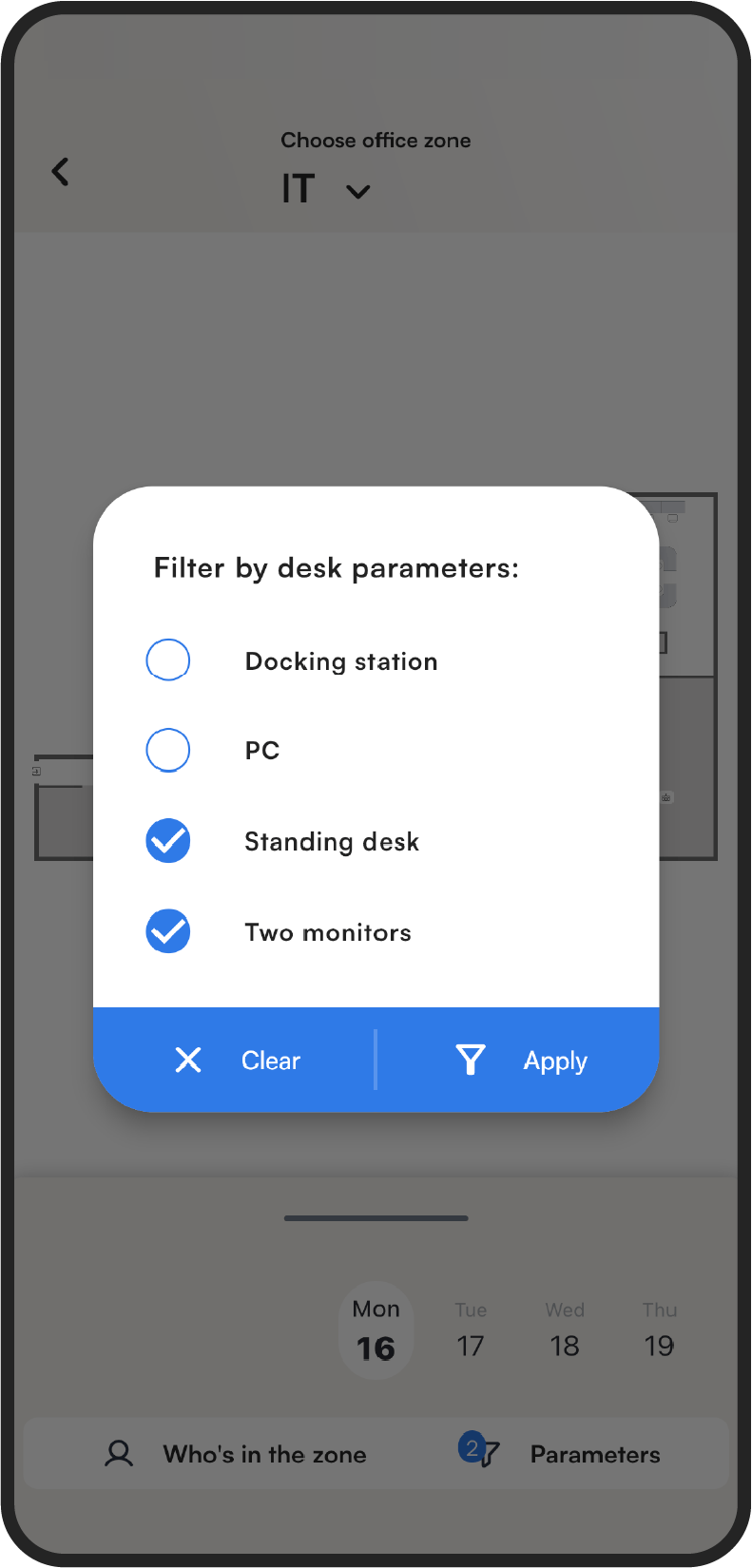
If you need a desk with specific features, you can filter the available desks by parameters on the interactive map. The map then shows only the desks that match your choice.
How to filter desks by parameters
- Open the interactive map.
- Click the Parameters button below the map.
- Select the parameters you need.
- Click Apply to confirm.