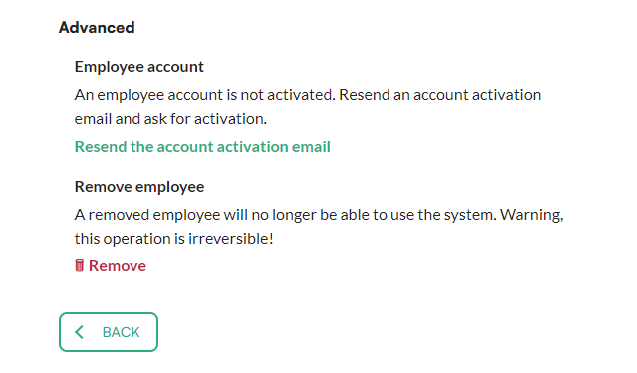
As an admin, you can resend the account activation email (the invitation) to an employee. The steps are the same for parking and office.
Good to know: only admins can resend the activation email.
How to resend the account activation email
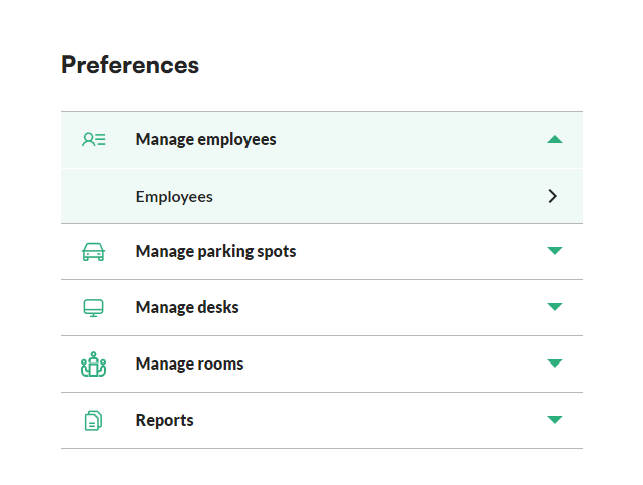
- In the menu, go to preferences.
- Unfold the manage employees menu and click employees.
- Find the employee you want to resend the invitation to. You can use the search bar above the list.
- Click the employee's name.
- Click resend the account activation email.
- Confirm by clicking Yes, resend it!