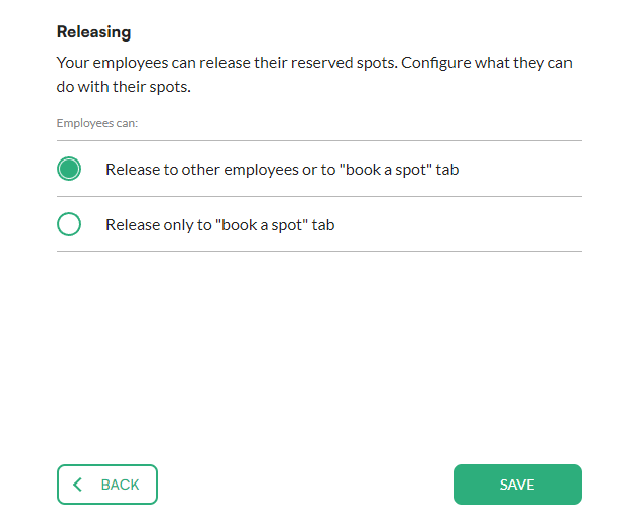
You can turn off spot sharing so that released parking spots are only offered in the book a spot tab.
Good to know: this is a task for administrators.
How to disable spot sharing
- In the menu, go to Preferences.
- Unfold Manage parking spots and click Parking spot releasing settings.
- Select release only to "book a spot" tab.
- Click Save.