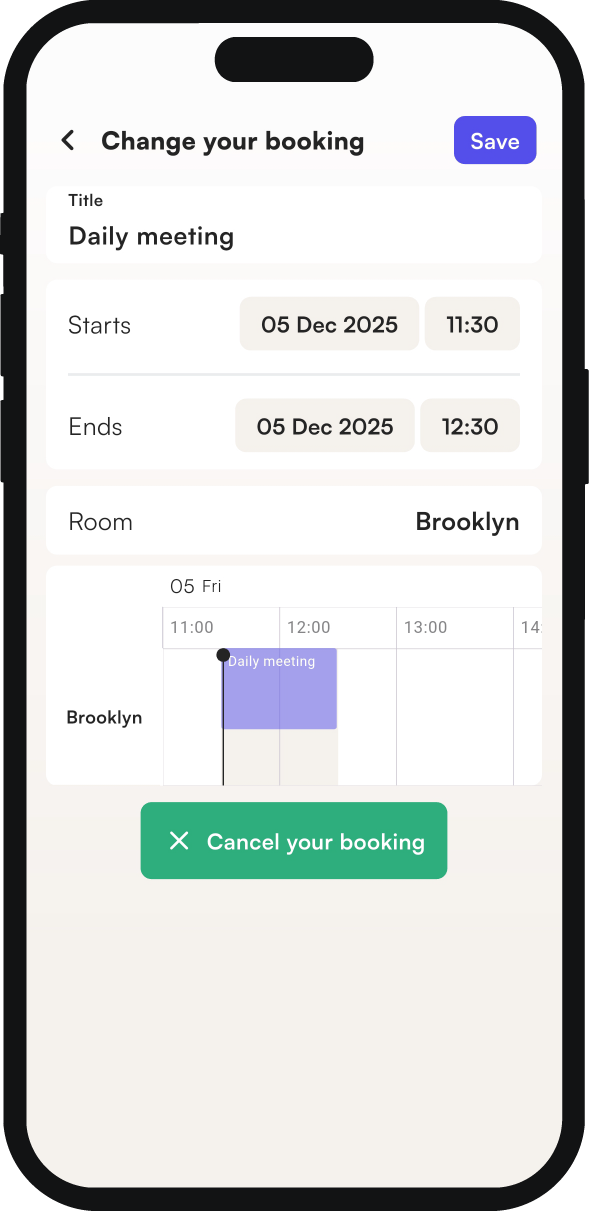
You can change the details of a room booking at any time: your next meeting straight from the home screen, and any other meeting from your calendar. You edit the details the same way you entered them when you booked the room.
How to change your next meeting
- On the main screen, click show details next to your next meeting.
- Make your changes the same way as when you booked the meeting.
How to change other meetings
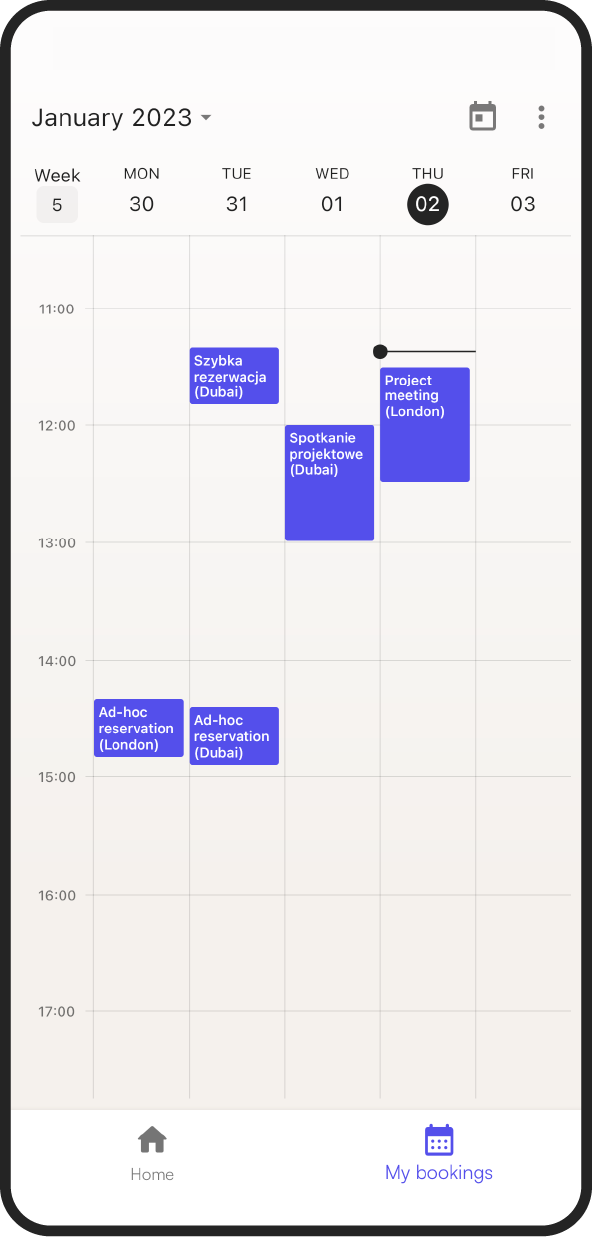
- Go to the my bookings tab.
- In the calendar, click the meeting you want to edit.
- Make your changes the same way as when you booked the meeting.
To find your meetings more easily, switch the calendar view (day, week or month) in the drop-down menu at the top right of the screen.
How to cancel a room booking
- Go to the my bookings tab.
- Click the booking you want to cancel.
- Click cancel booking at the bottom of the screen.