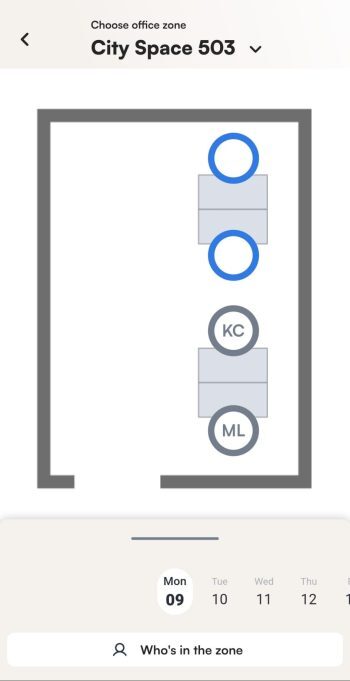
With Colleague Finder you can quickly see where a colleague is sitting in the office. The app shows their desk on the interactive map, so you can also book a desk next to them. You can also check who is in the office or in a certain zone.
How to find a colleague
- At the bottom of the home screen, click find my colleague.
- Enter the name of the person you are looking for.
- Click their name in the list. The app shows their desk on the interactive map.
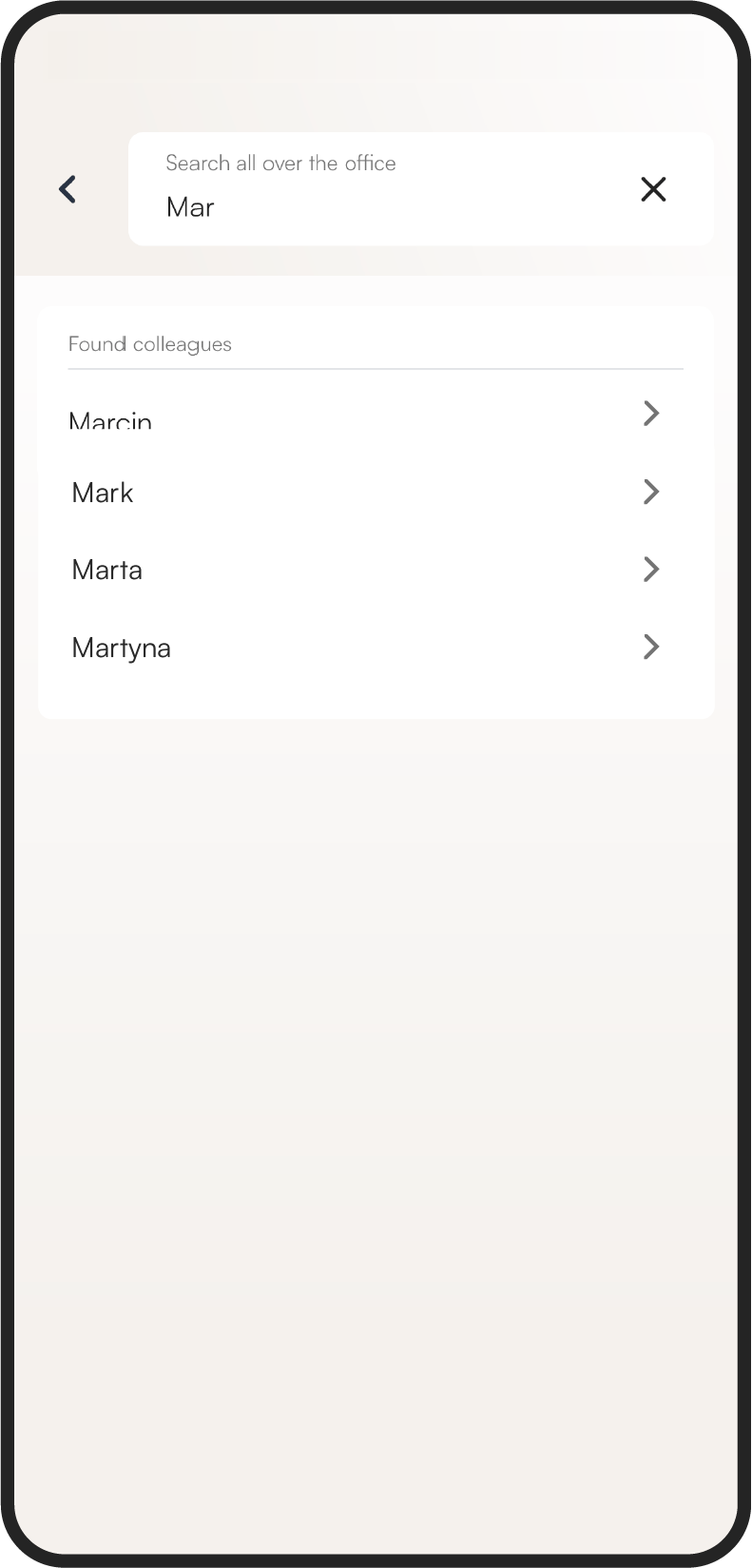
To search for another person, click the Colleagues button above the map and repeat the steps above.
How to book a desk next to a colleague
- Find your colleague on the map as described above.
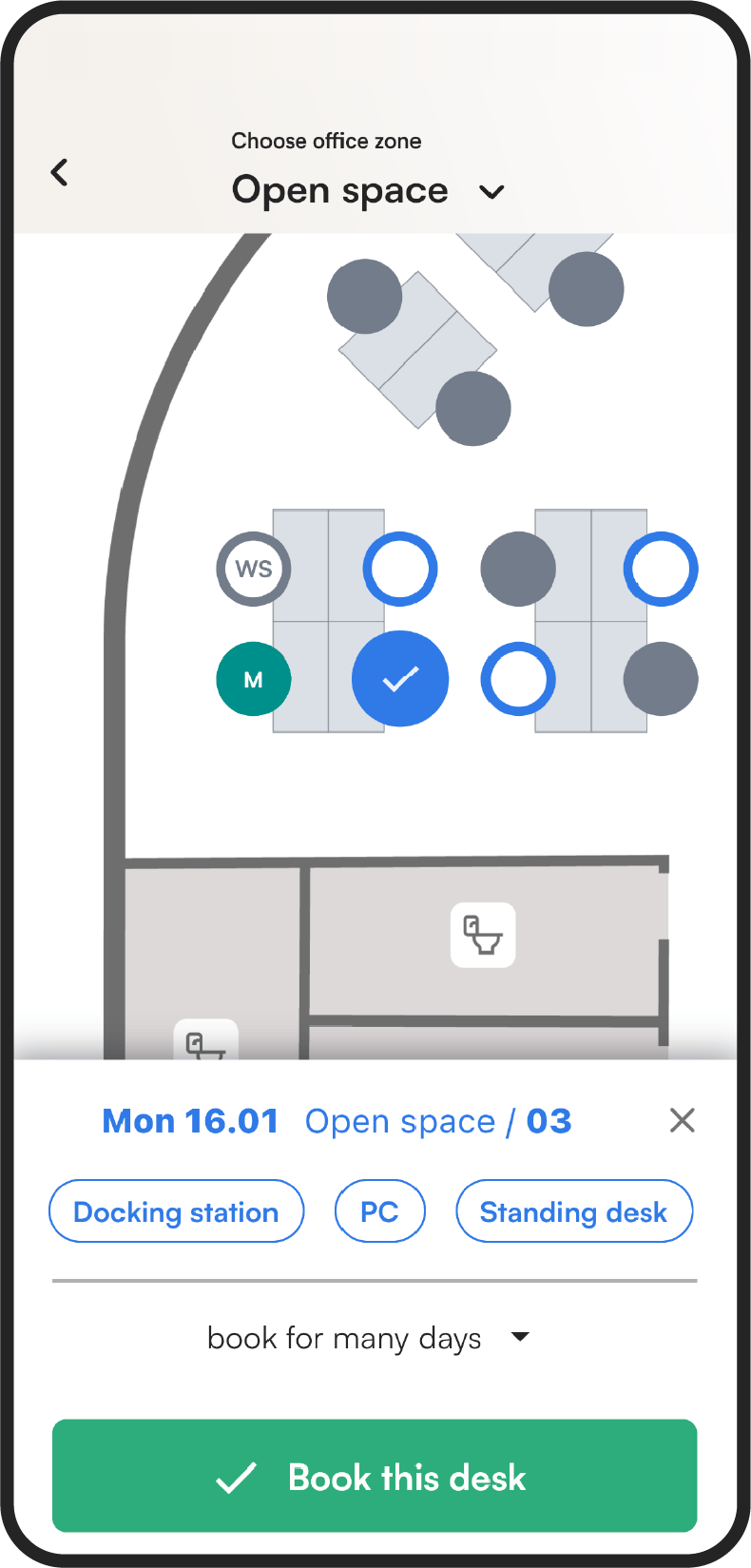
- Click a vacant desk near them.
- Click Book this desk to confirm.
How to see who is in the office
- Open the map view of the office.
- Below the map, tap Who is in the zone. You will see which desks your colleagues have booked.