
Welcome aboard! Tidaro is a desk and parking spot booking system that lets you book and share office space easily.
This guide is for anyone new to Tidaro. It shows you how to get your user account, activate it, sign in for the first time and download the mobile app. Feel free to pass it on to your colleagues.
Good to know: to use Tidaro, you need a user account connected to your company. Don't start a free trial on your own. Your administrators set up employee accounts in one of two ways: an invitation email or a self-registration link.
In short
- Wait for an invitation email from Tidaro or a self-registration link from your administrators.
- Activate your account: set your password and agree to the Terms of Service.
- Sign in with your email address and password.
- Download the Tidaro mobile app and sign in with your activated account.
How to get your user account
Option 1: Invitation email
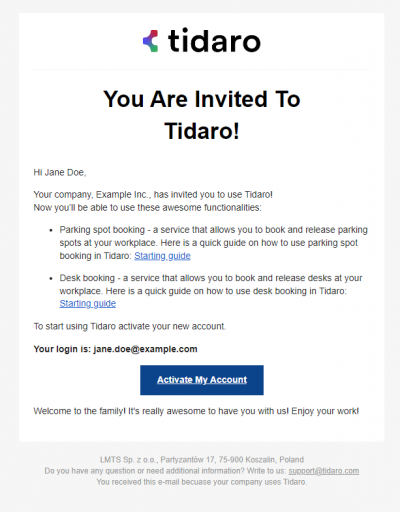
Your administrators have already created your user account. You only need to activate it.
- Find the invitation email from Tidaro in your business email inbox.
- Read the instructions carefully.
- Click Activate Account.
Option 2: Self-registration link
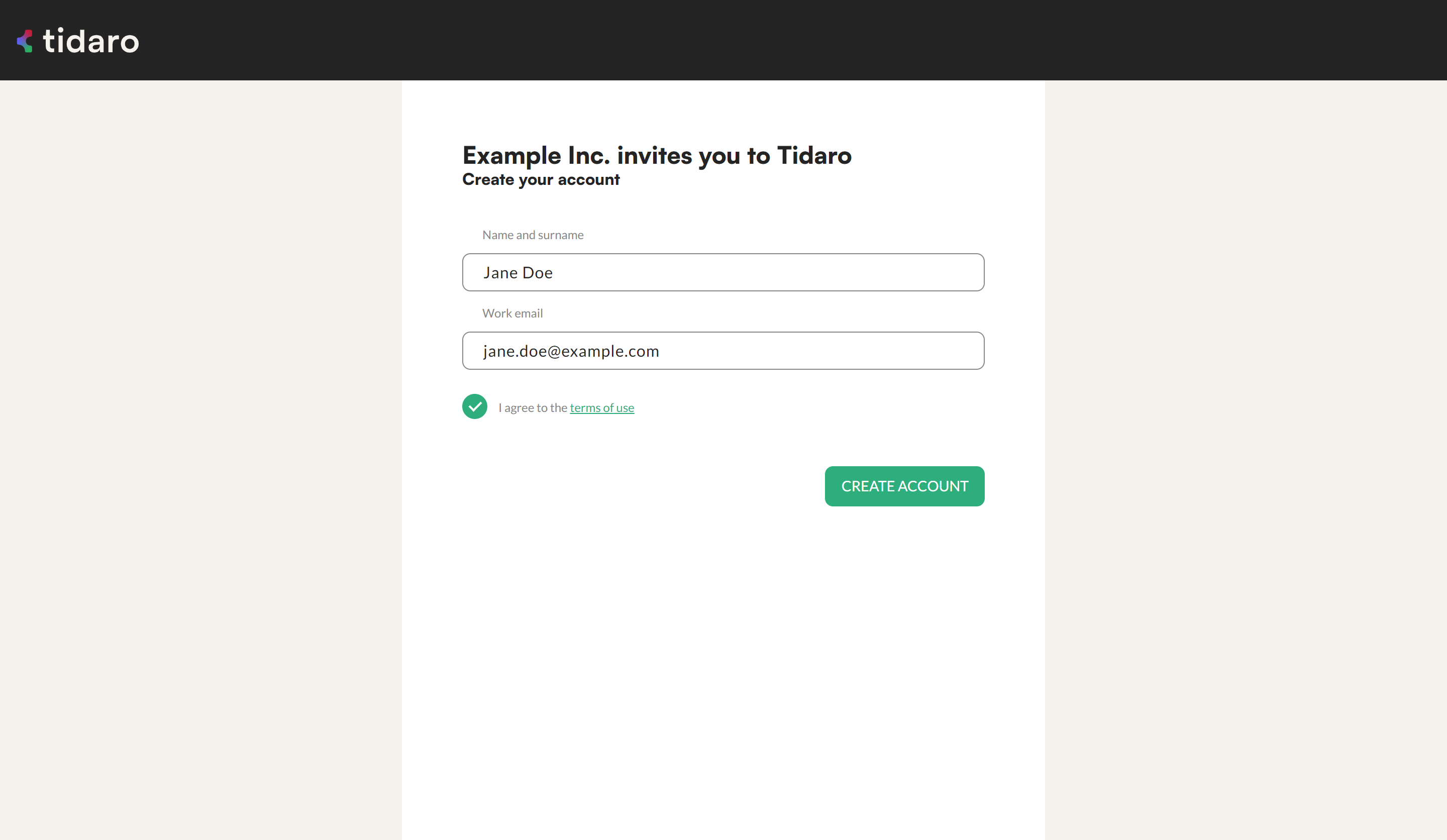
Your administrators may send you a self-registration link instead. With this link you create your user account yourself. You can only register with an email address in your company's domain.
- Open the self-registration link.
- Enter your name and surname.
- Enter your business email address.
- Agree to the Terms of Service.
- Create your account.
How to activate your user account
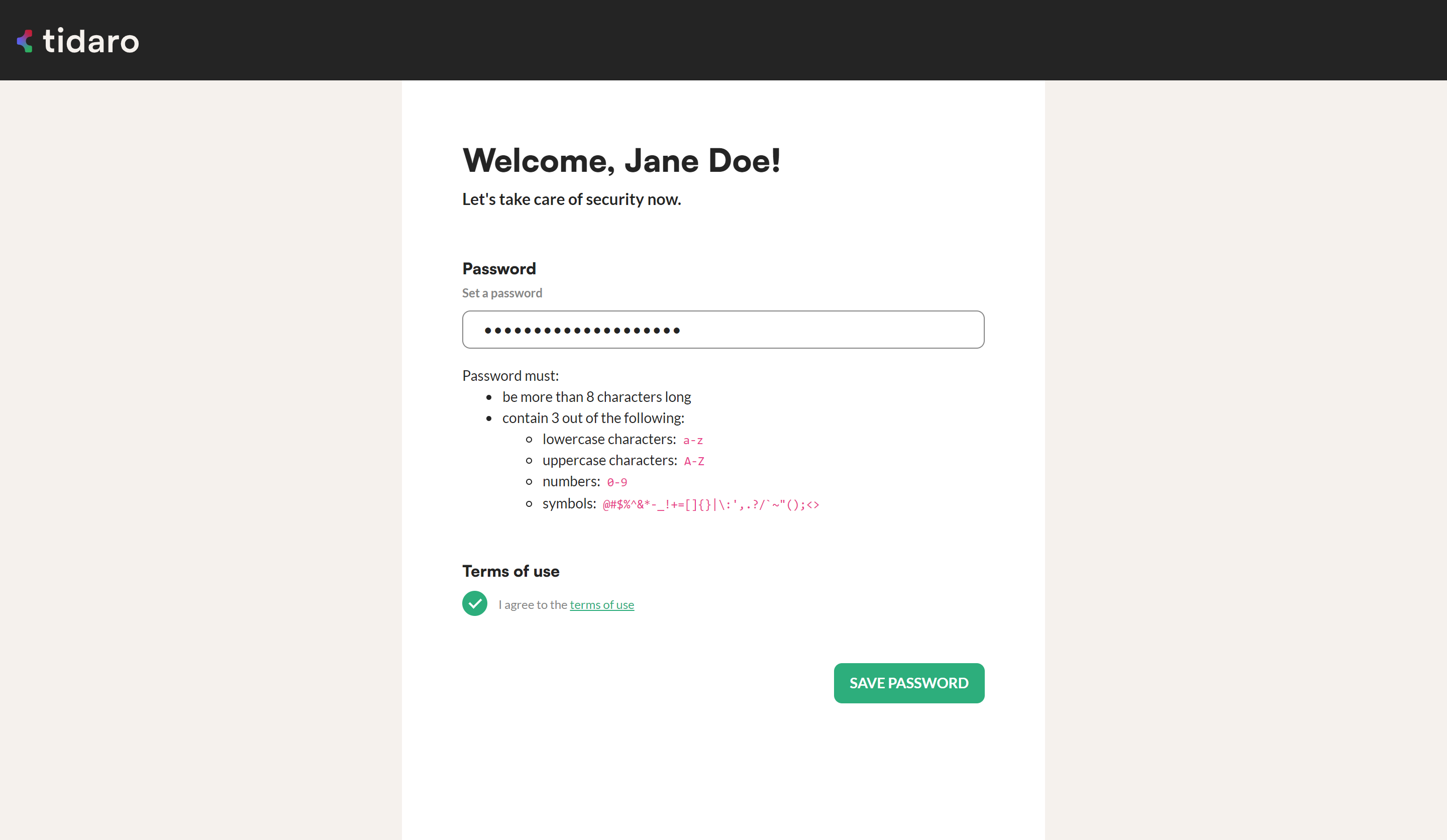
Whichever way your account was created, you need to activate it before you can use Tidaro.
- Set your user password.
- Agree to the Terms of Service.
- If your company requires a license plate number for parking spot booking, enter at least one license plate number.
How to sign in for the first time
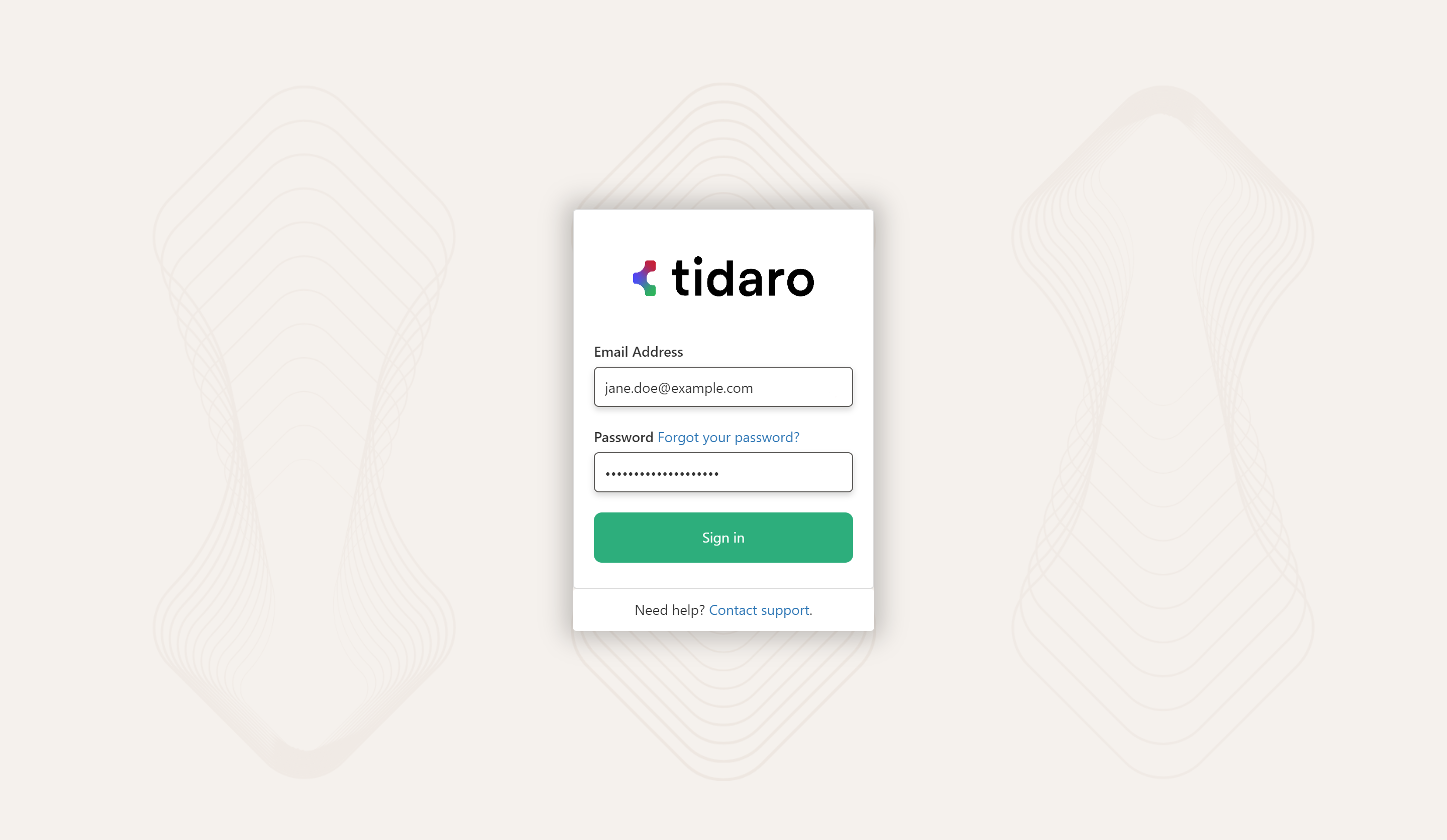
- Continue with the activation flow, or go to Tidaro.
- On the sign-in form, enter your email address and password.
- Click SIGN IN.
How to download the mobile app
After you sign in for the first time, we strongly recommend that you download the Tidaro mobile app. It is available in the official app stores. Use the links or scan the QR codes below.
iPhone (App Store) |
Android (Google Play) |
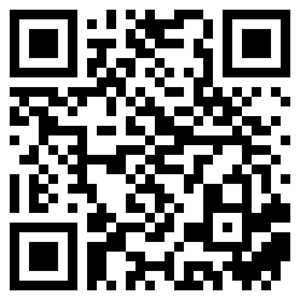 |
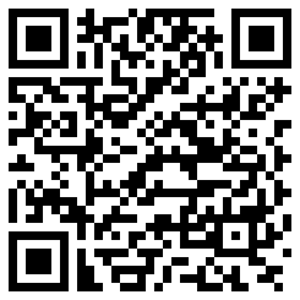 |
| Download iOS | Download Android |
Once the app is installed, sign in with your activated account.
Frequently asked questions
Can I create a Tidaro account on my own?
Only if your administrators have sent you a self-registration link. Otherwise, wait for the invitation email. Don't start a free trial on your own.
Can I register with my private email address?
No. With a self-registration link, you can only register with an email address in your company's domain.