
If your company uses license plate numbers, you add your car's plates in Tidaro. You can save up to 3 different plate numbers.
Good to know: your company decides during account configuration whether you need to provide plate numbers. If it is required, you must add at least one plate number before your first booking.
In short
- You can save up to 3 license plate numbers.
- In the mobile app, you add or edit plate numbers in your profile.
- If plate numbers are required, the mobile app asks for them when you try to book a spot, and the web app shows a notification on the home screen.
How to add or edit license plate numbers
In the mobile app
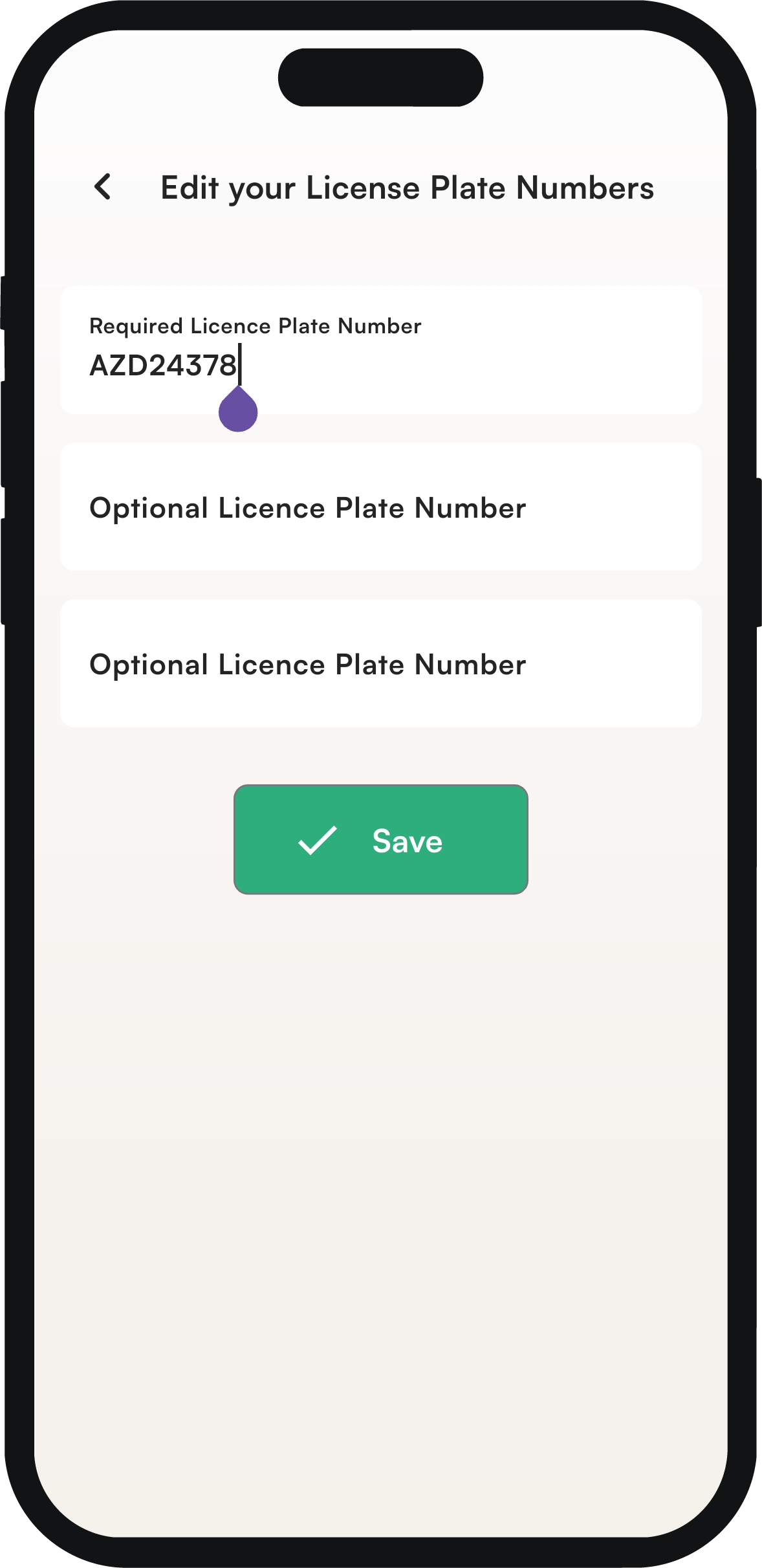
If your company requires license plate numbers, the app automatically asks you for them when you try to book a spot. You can also add them before booking or edit the ones you already provided:
- On the home screen, go to your profile in the upper right corner.
- Click the edit button next to license plate numbers.
- Type your plate numbers. You can add up to 3 different numbers.
- Click Save.
In the web app
If your company requires license plate numbers, a notification asking you to add them appears on the home screen.
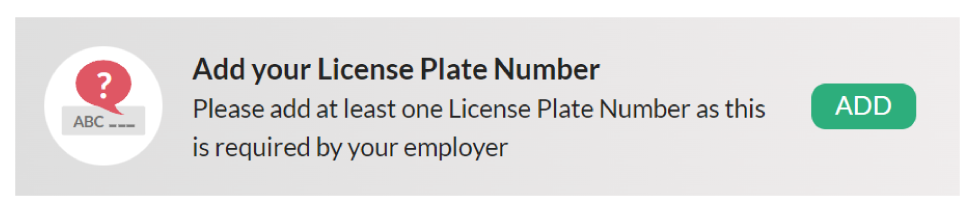
- On the notification, click add.
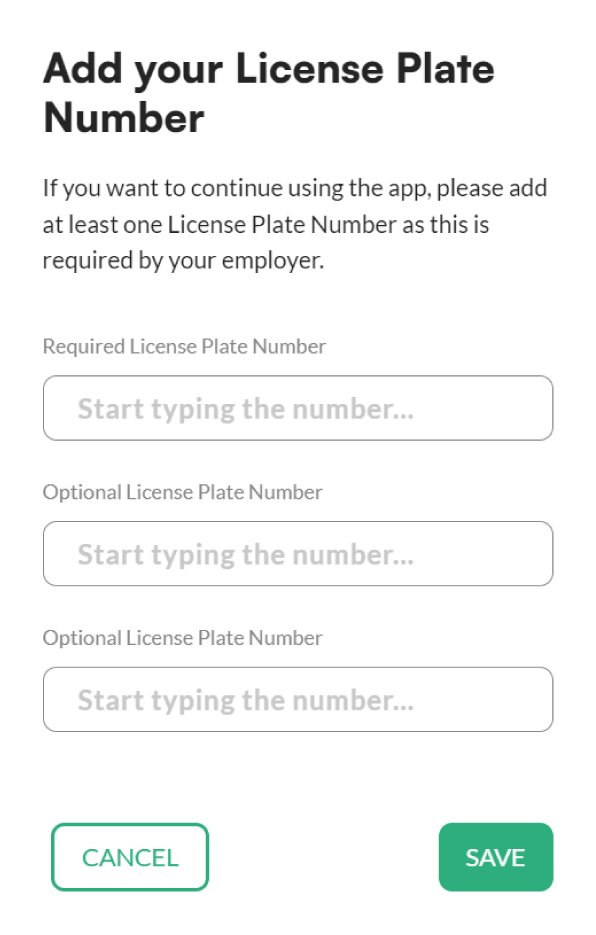
- In the pop-up, type at least one plate number. You can provide up to 3 numbers.
- Click save.
Frequently asked questions
How many license plate numbers can I add?
Up to 3 different numbers. If your company requires plate numbers, you must provide at least one.
Do I have to provide a license plate number?
Only if your company requires it. It decides this during account configuration.