
As an admin, you can look up any employee in Tidaro and manage their details. In Parking you can manage the employee's reservations. In Office you can see whether the employee has an assigned parking spot and desk and which office areas they are assigned to, and you can manage their licence plate number.
Good to know: only admins can manage employees.
In short
- Go to preferences > manage employees > employees.
- Find the employee using the search bar and click their name.
- Parking: you see all the employee's reservations and can manage them.
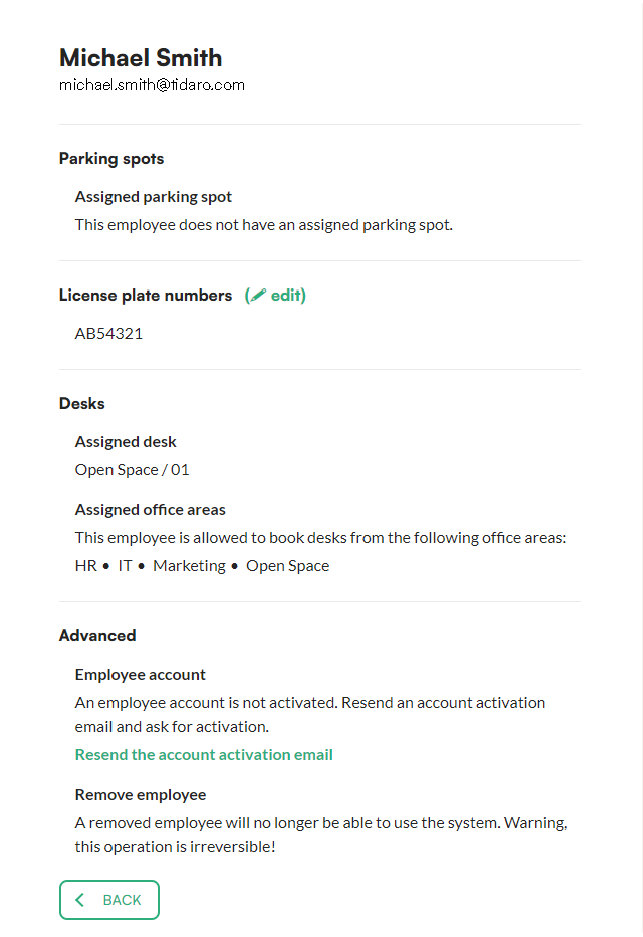
- Office: you see the employee's assigned parking spot, desk and office areas, and can manage their licence plate number.
How to manage an employee
Parking
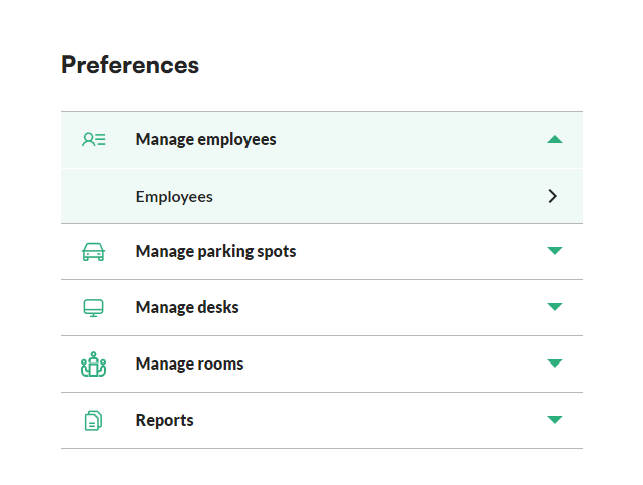
- In the menu, go to the preferences section.
- Unfold the manage employees menu and click employees.
- Find the employee you want to manage in the list. You can use the search bar above the list.
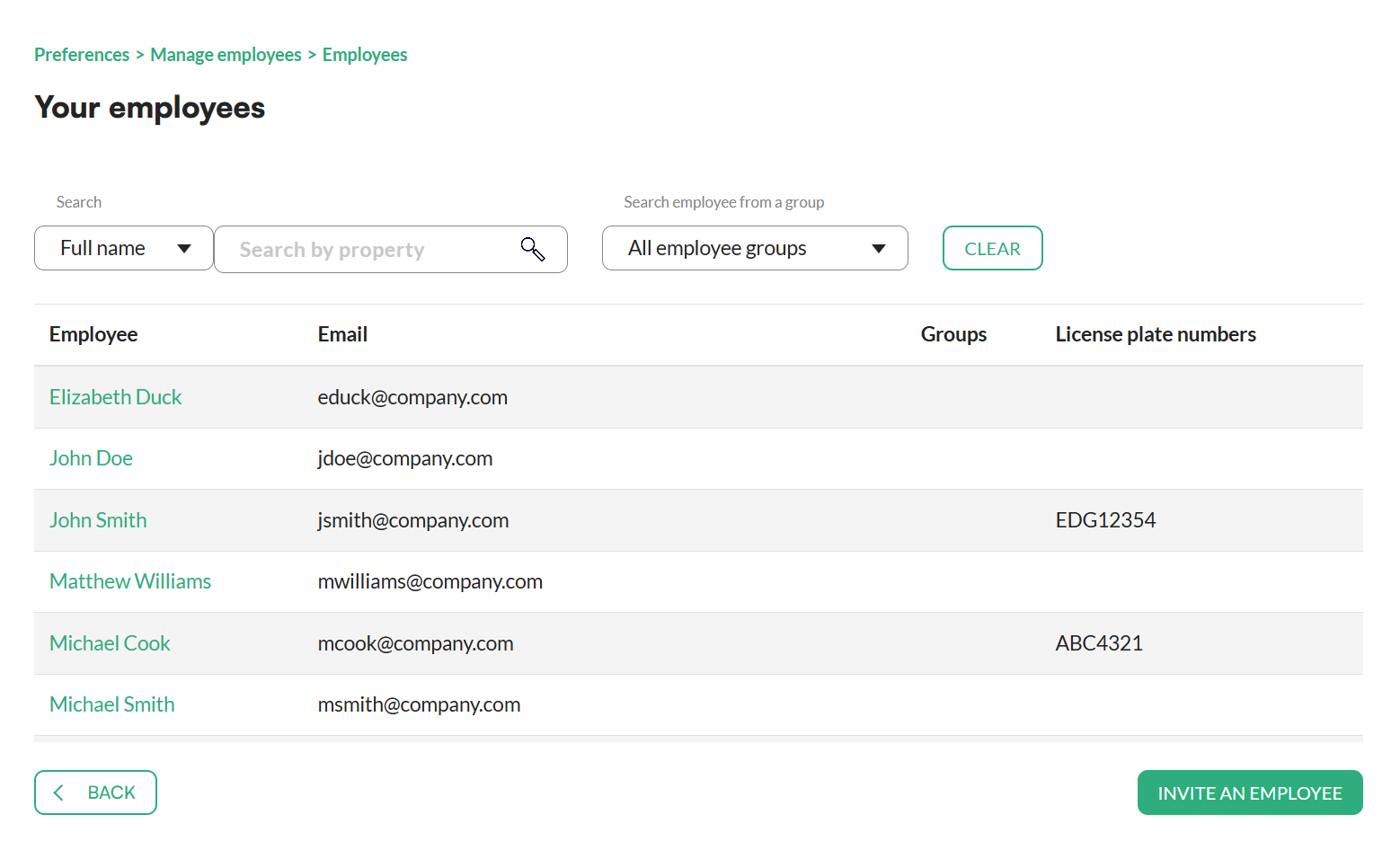
- Click the name of the employee you want to manage.
The next screen shows all the employee's reservations, which you can now manage.
Office
- In the menu, go to the Preferences section.
- Unfold the Manage employees menu and click Employees.
- Find the employee you want to manage in the list. You can use the search bar.
- Click the name of the employee you want to manage.
The next screen shows whether the employee has an assigned parking spot and an assigned desk, and which office areas they are assigned to. Here you can also manage the employee's licence plate number.
Frequently asked questions
Can I change an employee's licence plate number?
Yes. In Office, open the employee's details under Manage employees > Employees. You can manage the licence plate number there.
How do I find a specific employee quickly?
Use the search bar above the employee list.