If you have a permanently assigned desk or have booked one, you can release it at any time. You can release a desk in the mobile app or in the web app.
How to release a desk
In the mobile app
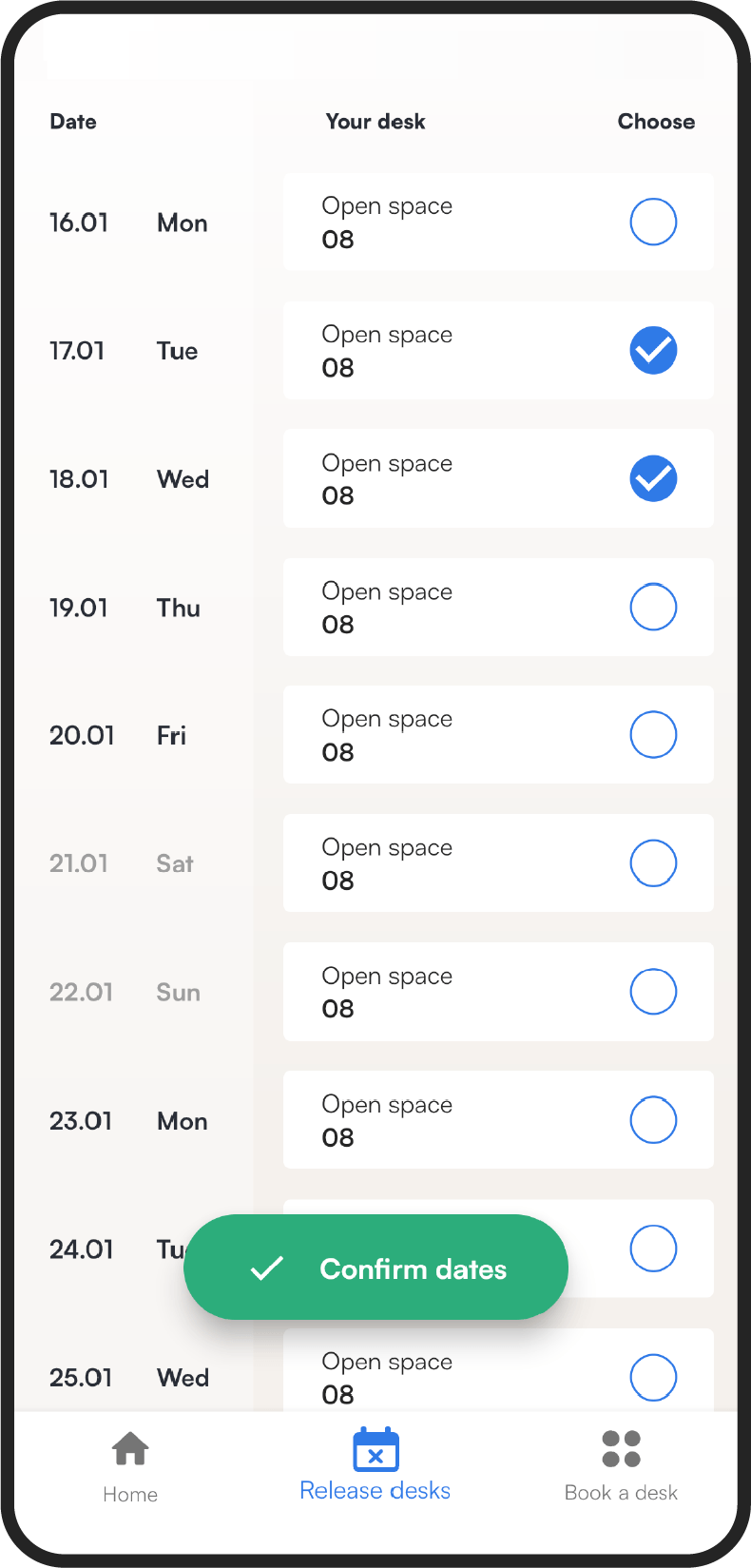
- Go to the Release desks tab.
- Select the days on which you want to release the desk.
- Tap Confirm dates.
In the web app
- In the menu, go to the Desks section.
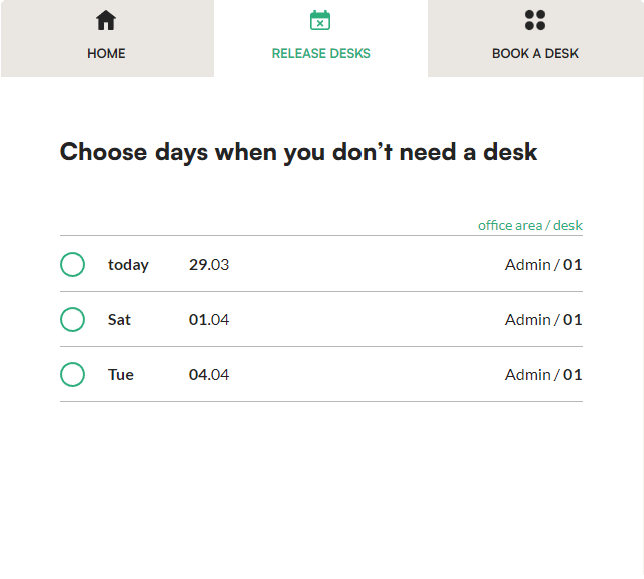
- Open the Release desks tab. You will see a list of your booked desks.
- Mark the desks you want to release by clicking the green circles.
- Click Release at the bottom of the screen.